User Settings
Overview
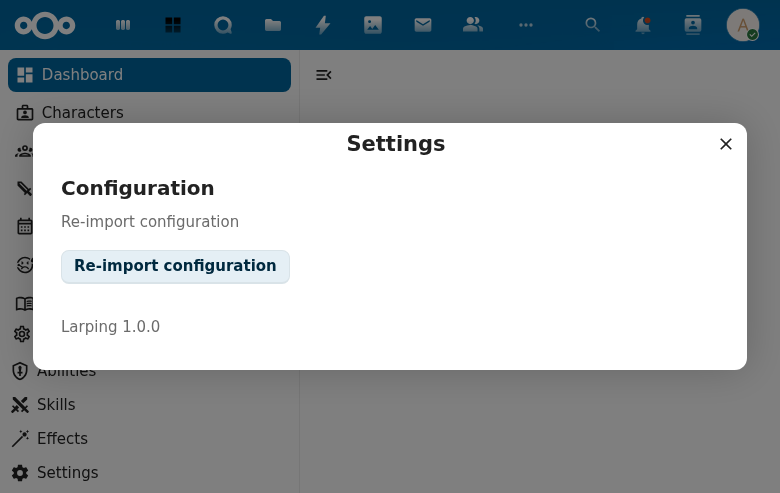
Provides a settings dialog accessible from the navigation footer, allowing users to re-import configuration.
Features
- Settings gear icon in navigation footer opens the dialog
- Configuration section with re-import button
- Loading state during re-import operation
- Success/failure feedback after re-import
How to Access
- Open LarpingApp
- Click the Settings gear in the navigation footer
- The Settings dialog opens with the Configuration section
Screenshot
Technical Details
- Component:
UserSettings.vueusingNcAppSettingsDialog - Integration: Hosted in
App.vuewithshowSettingsDialogstate - Store:
settings.jswithreimportConfiguration()action - Backend:
SettingsController.reimport()endpoint