Build a character's skills and abilities
Pick skills for a character, pay the XP cost, watch the ability scores update, and see exactly which skills, items, and conditions contributed to each stat.
Goal
By the end your character will have one or more skills attached, the Abilities tab will show recalculated stat values, and the Audit trail for the character will show which effect from which skill changed which ability by how much.
Prerequisites
- A character that exists in Larping (see Create a character).
- The game system has at least one skill defined with effects on abilities — set up by a game master (see Configure the game system).
- Enough character XP for the skill's cost — the stat engine pays the skill's
xpCostout of the character's experience pool.
Steps
-
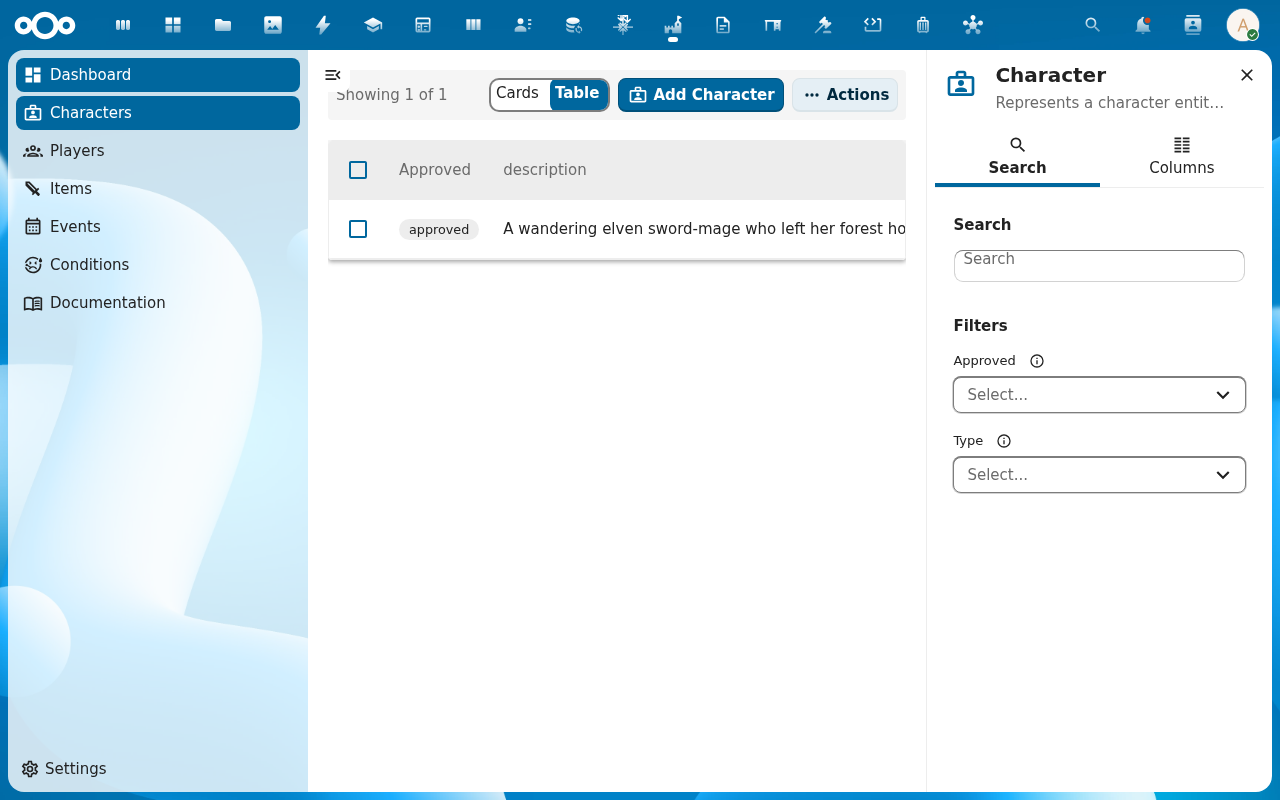
Open the character from the Characters list. The detail page opens.
-
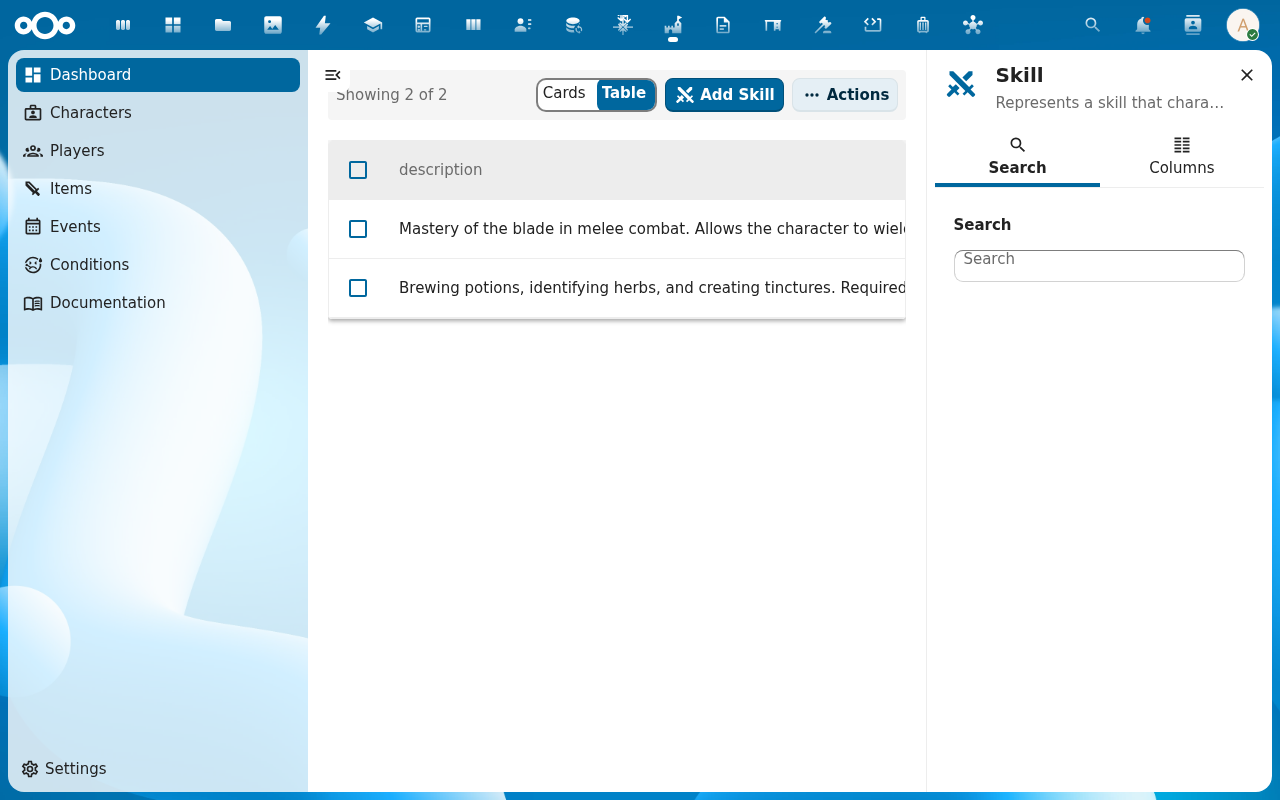
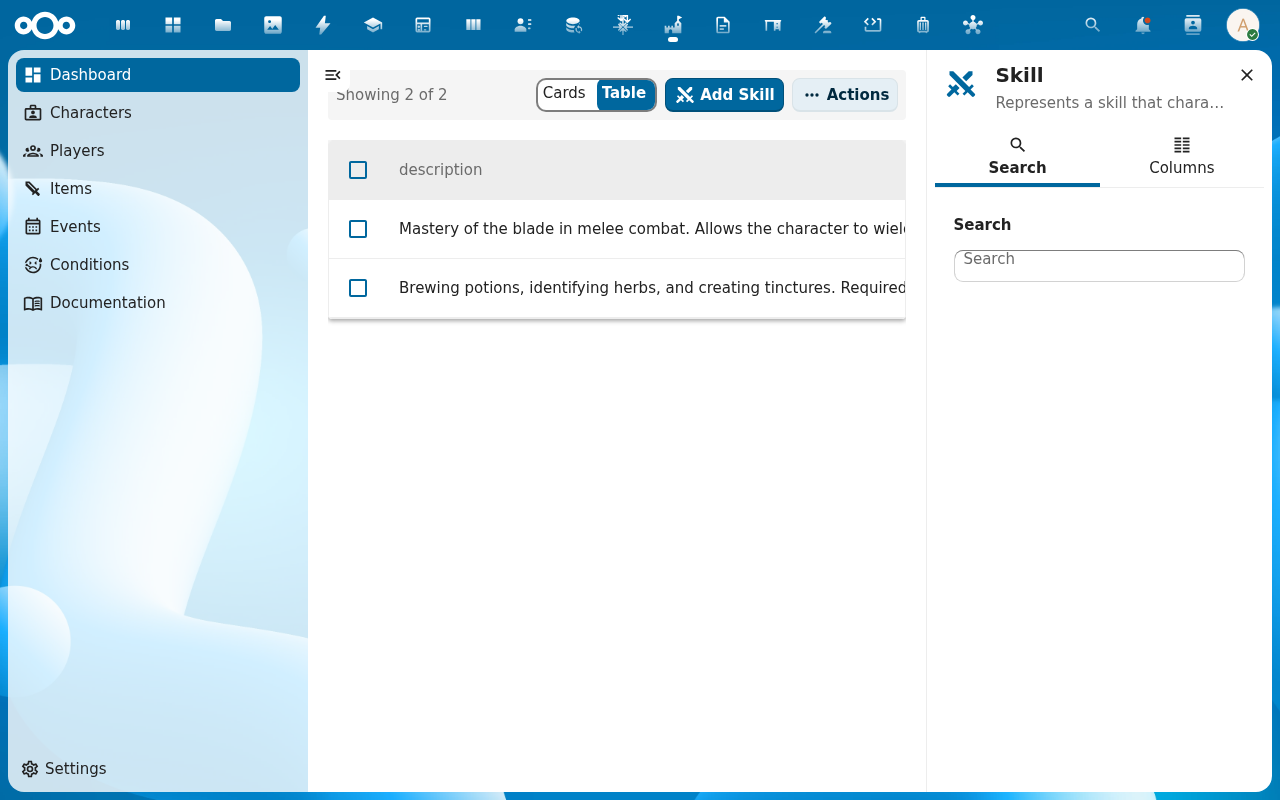
Switch to the Relations tab and find the Skills section. Click Add skill (or use the inline picker) and select a skill from the list. The picker shows each skill's name, XP cost, and whether the character meets the prerequisites.
-
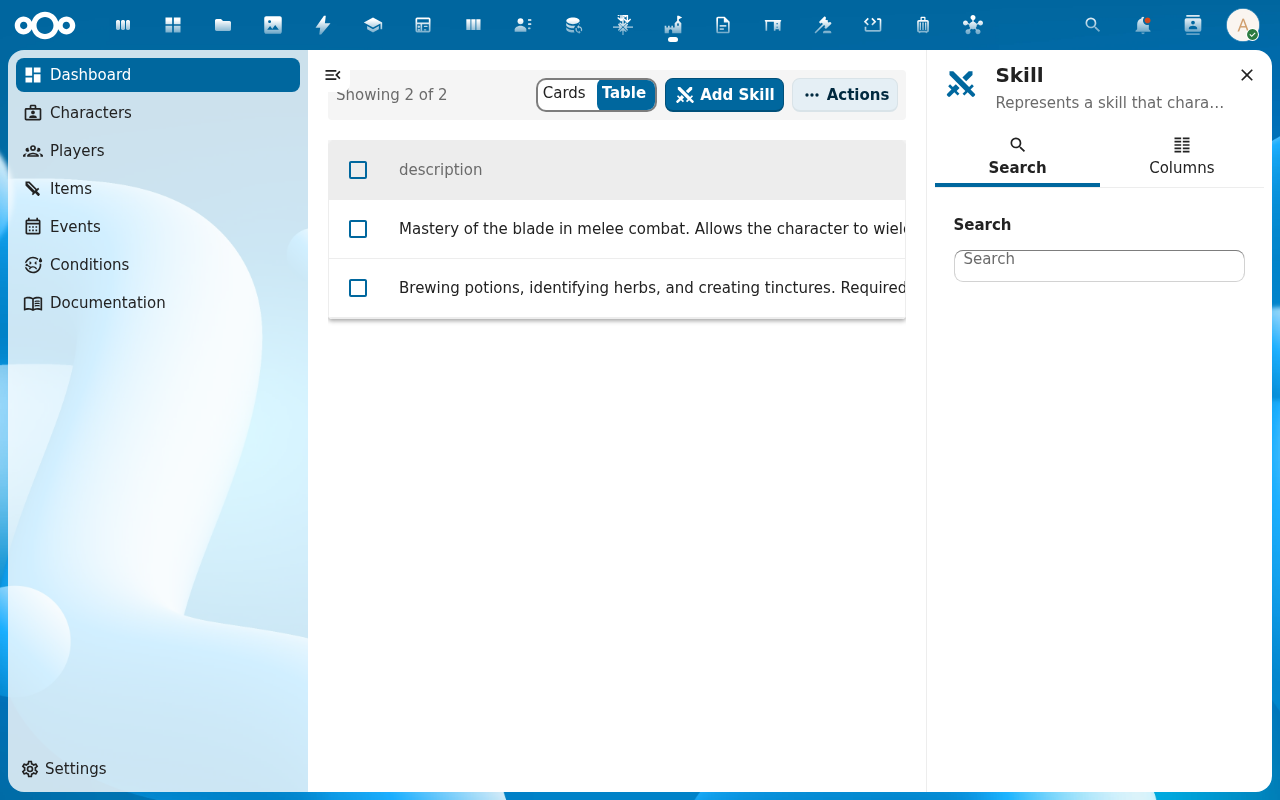
The skill attaches to the character. The stat engine immediately recalculates: Larping walks through skills → items → conditions → events, applying each effect's modifier to the abilities it targets, and writes the result back to the character.
-
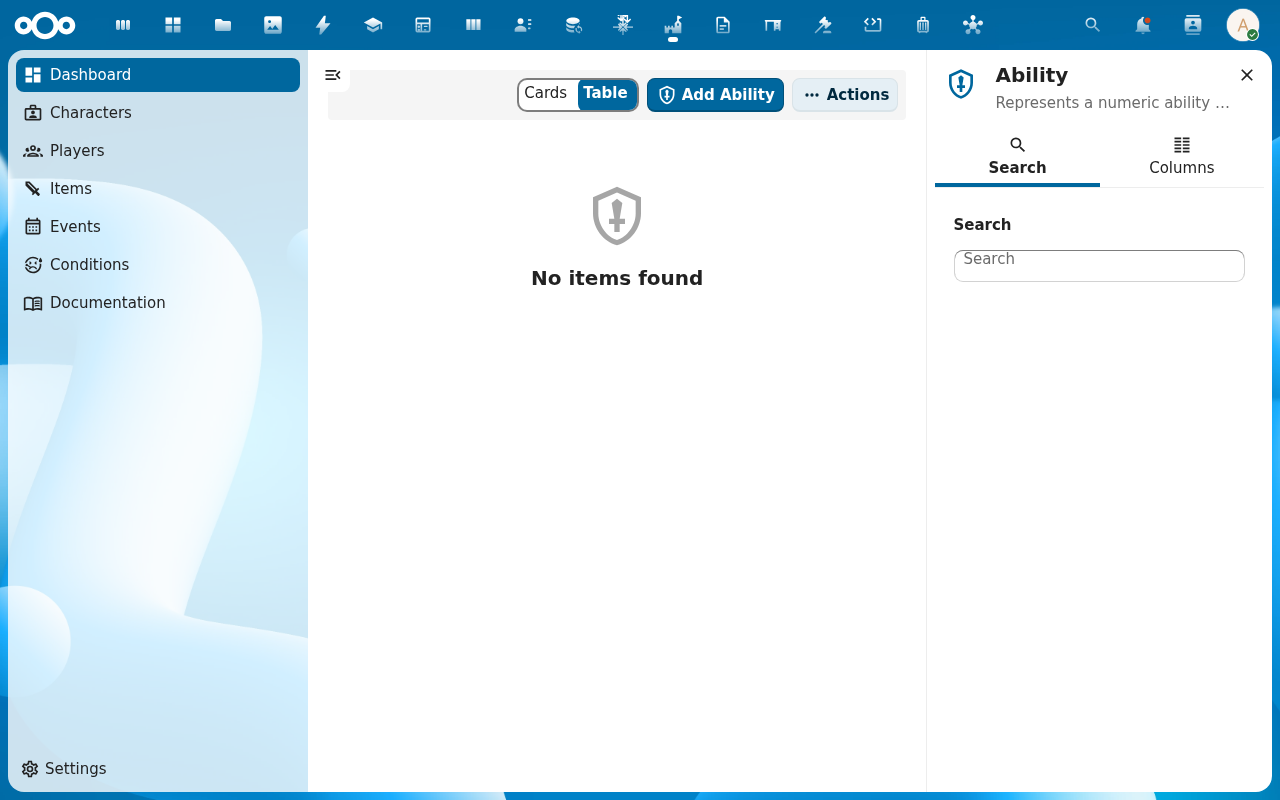
Open the Abilities view on the character. Every ability shows its current value. Click an ability to see the audit trail — the effect that caused each change, the old value, and the new value. This is how a game master traces "why is this character's Strength 14?" back to the skills, items, and conditions that built it.
-
Repeat for further skills. Skills with prerequisites (required other skills, required stat thresholds, required conditions) are greyed out in the picker until the character meets them. The game system reference describes the full prerequisite model.
Verification
The character's Skills list on the Relations tab shows the skills you attached. The Abilities view shows updated values. The audit trail for each modified ability names the effect, the source skill, and the before/after values. The character's available XP has dropped by each skill's xpCost.
Common issues
| Symptom | Fix |
|---|---|
| Skill picker is empty | No skills exist yet — the game master has not added any to the game system. |
| Skills attach but ability scores don't change | The skill's effects don't target any ability — open the skill (under Skills in the navigation) and add an effect with a target ability and modifier. |
| Prerequisite skill is met but the picker still greys it out | The stat engine checks against the current computed values; reload the character so the prerequisite check runs against fresh stats. |
| Negative ability score after attaching a condition or item | allowed_negative is not currently enforced by the engine; the value will be whatever the modifier sum produces (see the RPG-system reference). |
| Screenshots may be missing | App not yet installed in the test environment; rerun npm run test:e2e:docs once it is. |
Reference
- Manage items and equipment — attach items to the character; the same effect engine runs.
- Apply conditions and effects — temporary status effects that ride on top of skills and items.
- RPG system reference — the deterministic stat-calculation pipeline.
- Game mechanics reference — abilities, effects, skills, items, conditions explained.