Track XP and progression
XP (experience points) is what a character spends to gain new skills. Skills carry an xpCost; when you attach a skill to a character, the cost comes out of the character's available XP. Award XP after events to let characters progress.
Goal
By the end your character will have an updated XP total, you will have spent some of it on a new skill, and the Abilities view will reflect that skill's effects.
Prerequisites
- A character that exists in Larping (see Create a character).
- An event the character participated in, or a direct adjustment by the game master — both are valid sources of XP.
- The skill the character will spend the XP on already exists in the game system (see Configure the game system).
Steps
-
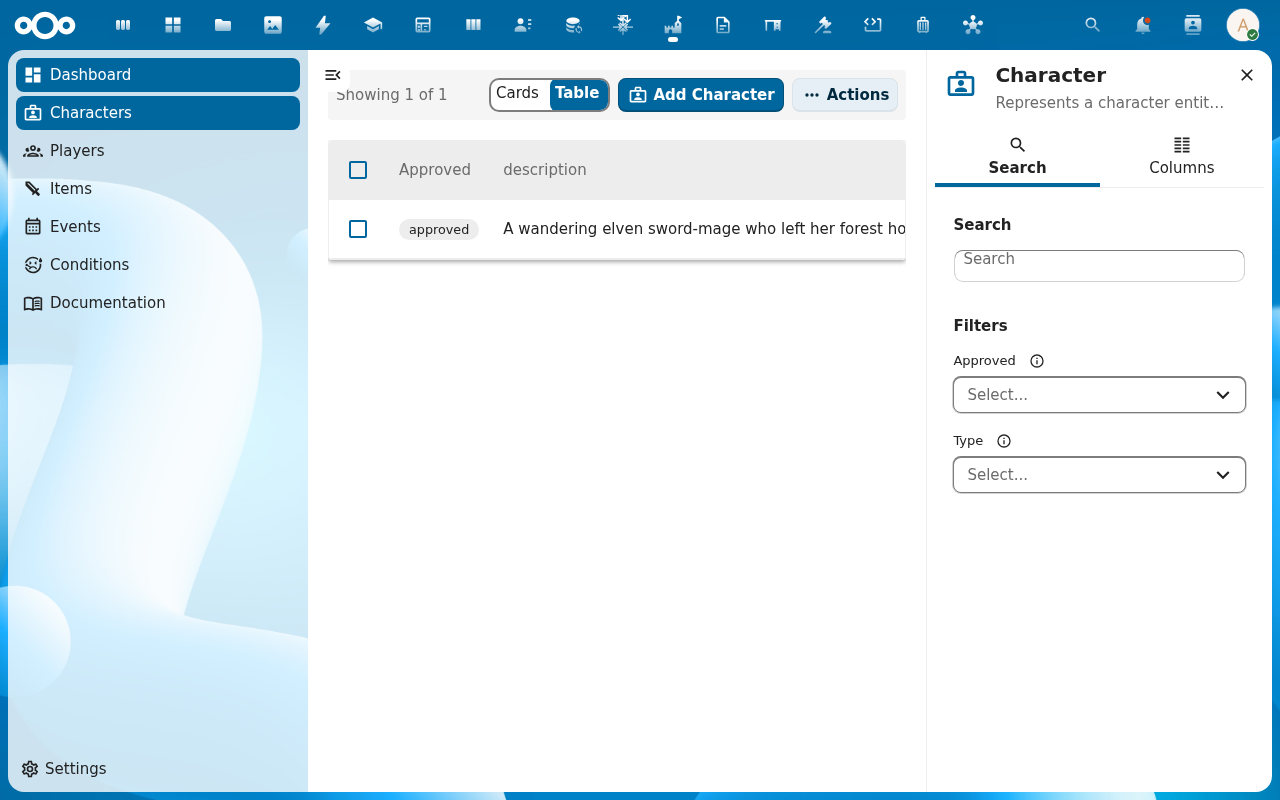
Open the character. The detail page shows the character's current XP total alongside the other ability-like values. XP is just an ability in Larping — it lives in the same numeric stat model as Strength or Health.
-
After an event, the game master adds XP. The cleanest way is to attach a post-event effect with a positive modifier on the XP ability to the event (see Subscribe to an event, step 5). When the effect is applied, the character's XP goes up — visible in the audit trail with
Event: …as the source.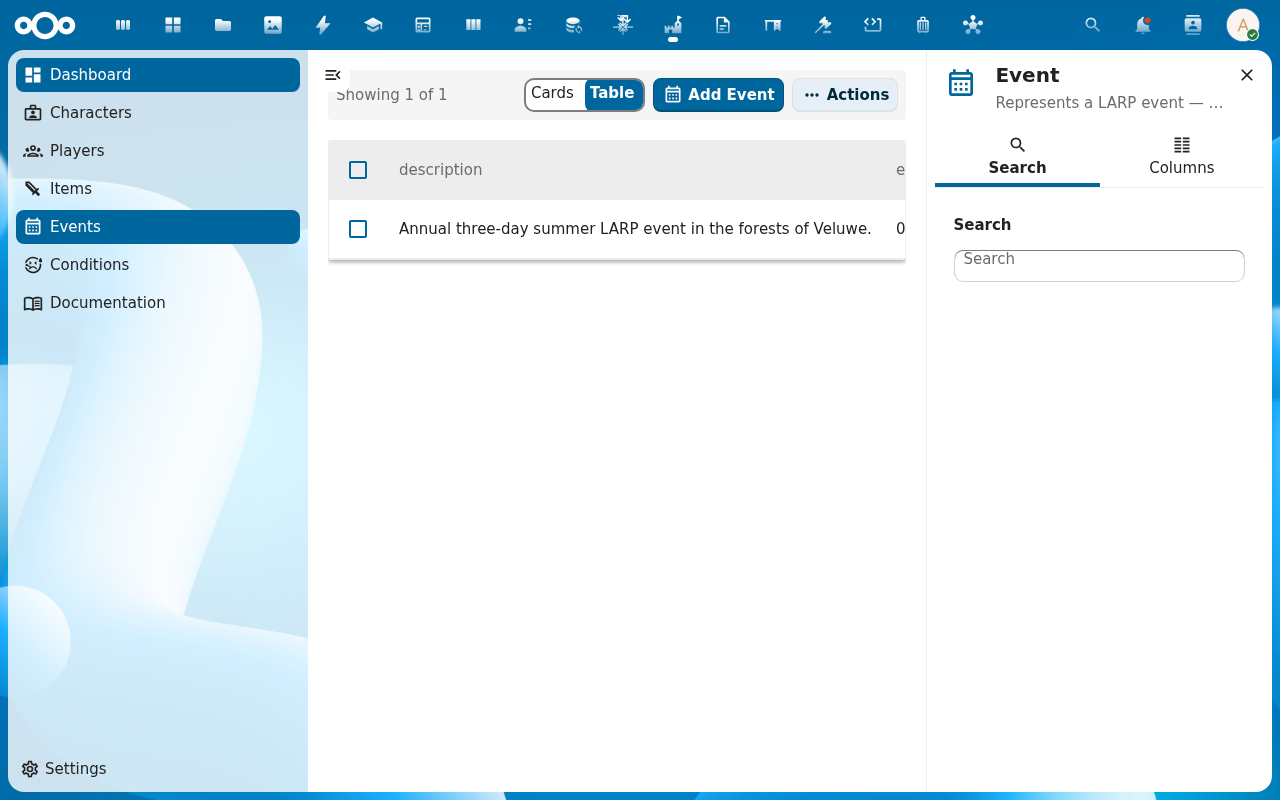
-
The player picks the new skill from the Skills picker on the character (see Build a character's skills and abilities). The skill's
xpCostis paid out of the XP pool — if the character does not have enough, the picker rejects the choice.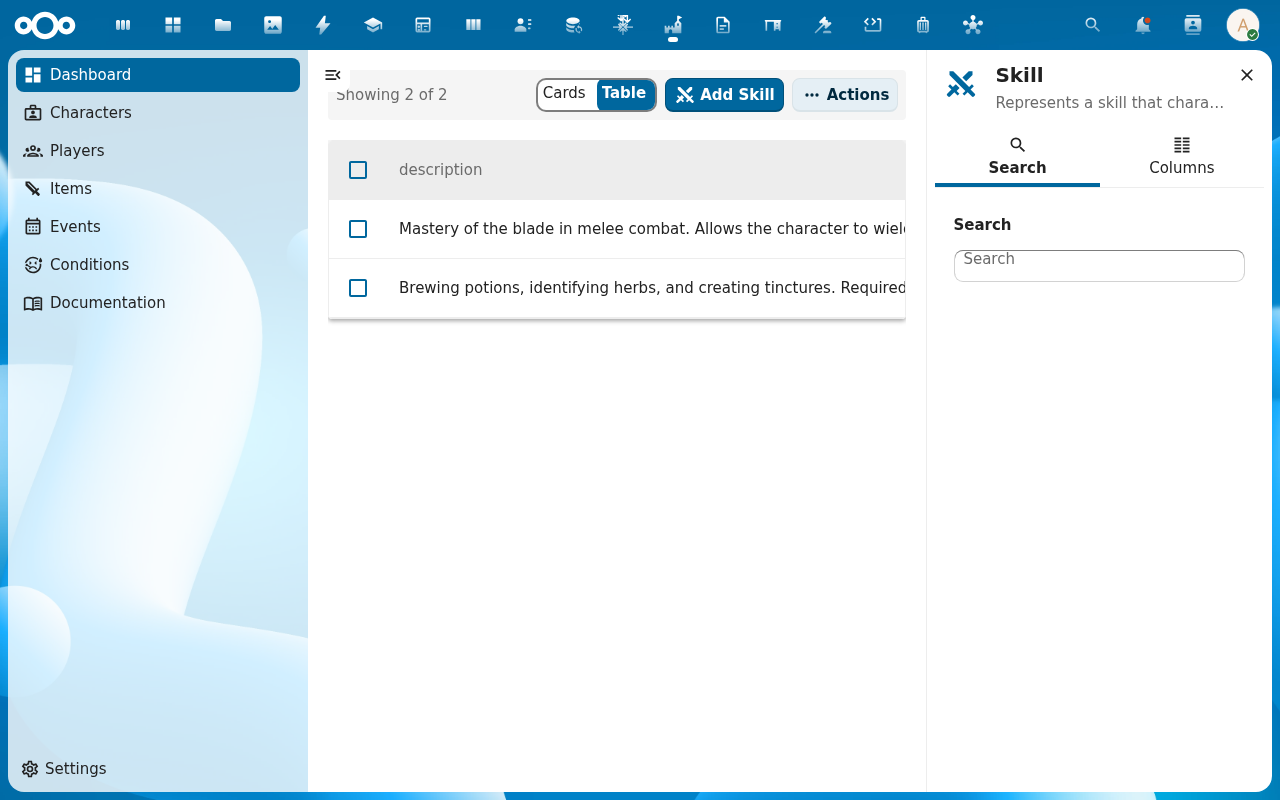
-
After the skill attaches, the Abilities view shows the recalculated stats — the new skill's effects layered in, the character's XP total reduced by the skill's
xpCost. The audit trail records both: the XP reduction and each ability change the skill caused.
-
Repeat across events. The game master keeps awarding XP through post-event effects; the player keeps spending it on new skills. The character's stat sheet grows over time, every change traceable through the audit trail.
Verification
The character's XP value goes up by the event's award and down by each skill's xpCost. The audit trail records both kinds of changes with their source (event vs skill). The character's ability scores reflect the new skill's effects.
Common issues
| Symptom | Fix |
|---|---|
| Skill picker rejects the choice with "insufficient XP" | The character does not have enough XP for the skill's cost; check the XP value on the character and the skill's xpCost. |
| XP doesn't increase after an event | The event's effects were not applied (the post-event step), or the effect targets a different ability — check that the event has an effect with the XP ability in its abilities[]. |
| XP went down without spending on a skill | Some game systems include negative-XP conditions (e.g. Cursed); check the character's Conditions list. |
| Audit trail empty | The audit trail logs ability changes — XP movements only appear when XP is modelled as an ability and the engine moved its value. Direct field edits do not flow through the audit trail. |
| Screenshots may be missing | App not yet installed in the test environment; rerun npm run test:e2e:docs once it is. |
Reference
- Build a character's skills and abilities — what XP is spent on.
- Subscribe to an event — where XP typically comes from.
- RPG system reference — XP modelled as an ability, the effect engine.