Configure the game system (skills, items, conditions, backgrounds)
A game system in Larping is the rule engine: the abilities characters are scored on, the effects that modify those abilities, and the catalogue of skills, items, and conditions that carry those effects. Set this up once per LARP setting; players then pick from it when they build characters.
Goal
By the end the game system will have its abilities defined, at least one effect on each, and a starter catalogue of skills, items, and conditions players can pick from. Characters built against this system will compute stats correctly.
Prerequisites
- The Larping and OpenRegister apps installed and enabled with the Larping register imported (see Manage Larping settings).
- Admin (or the game master role on this Larping instance) — defining the rule engine is an administrative act that shapes every character built afterwards.
- A clear picture of the LARP system's rules — which abilities scores exist, what skills modify them, what equipment players can carry.
Steps
-
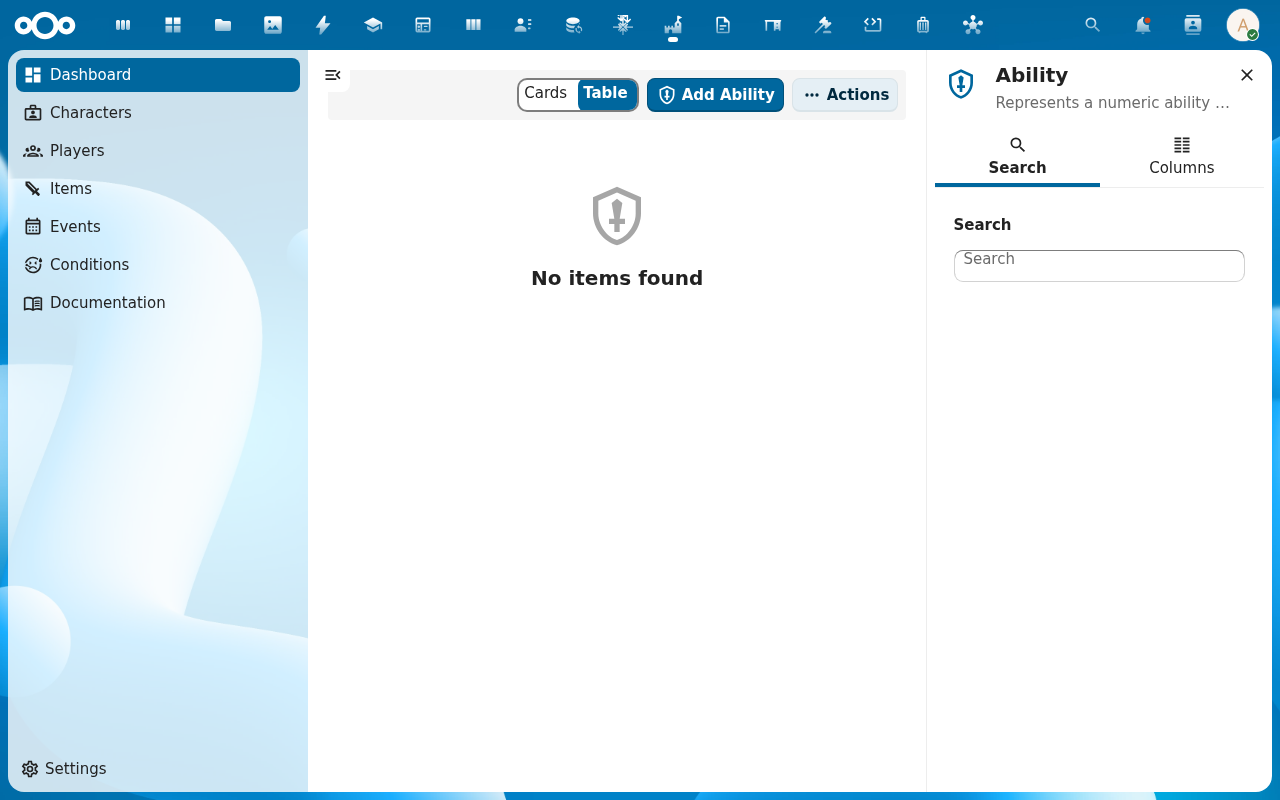
Start with Abilities (under Game settings in the Larping navigation, or via Abilities directly). Add the ability scores your system uses — Strength, Health, Mana, XP, whatever the LARP rules call out. Each ability gets a name, an optional description, and a base value.
-
Move to Effects. An effect is the atomic modifier —
+2 to Strength,-1 to Health. Add one effect per atomic rule the system needs. Pick the abilities it targets, set the modifier (an integer), and decide whether it is cumulative (applies again every time it is reached) or one-shot.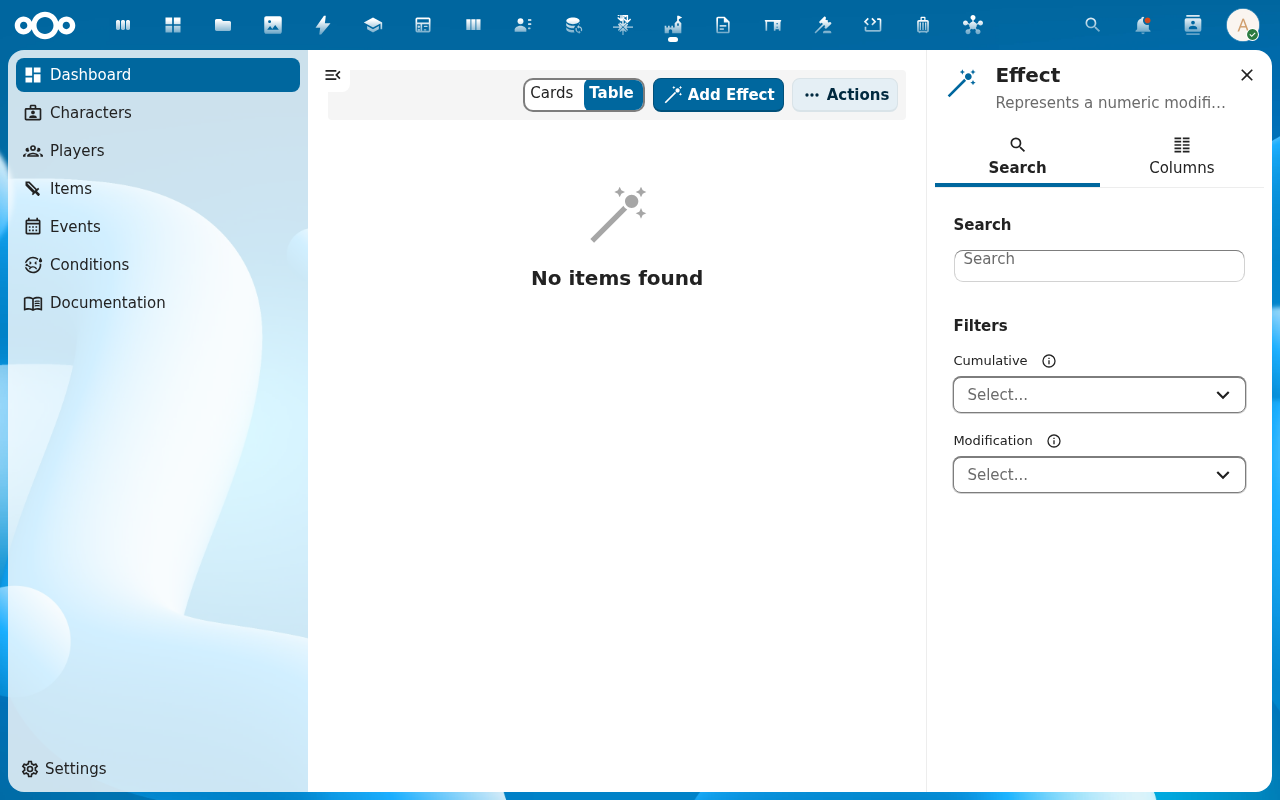
-
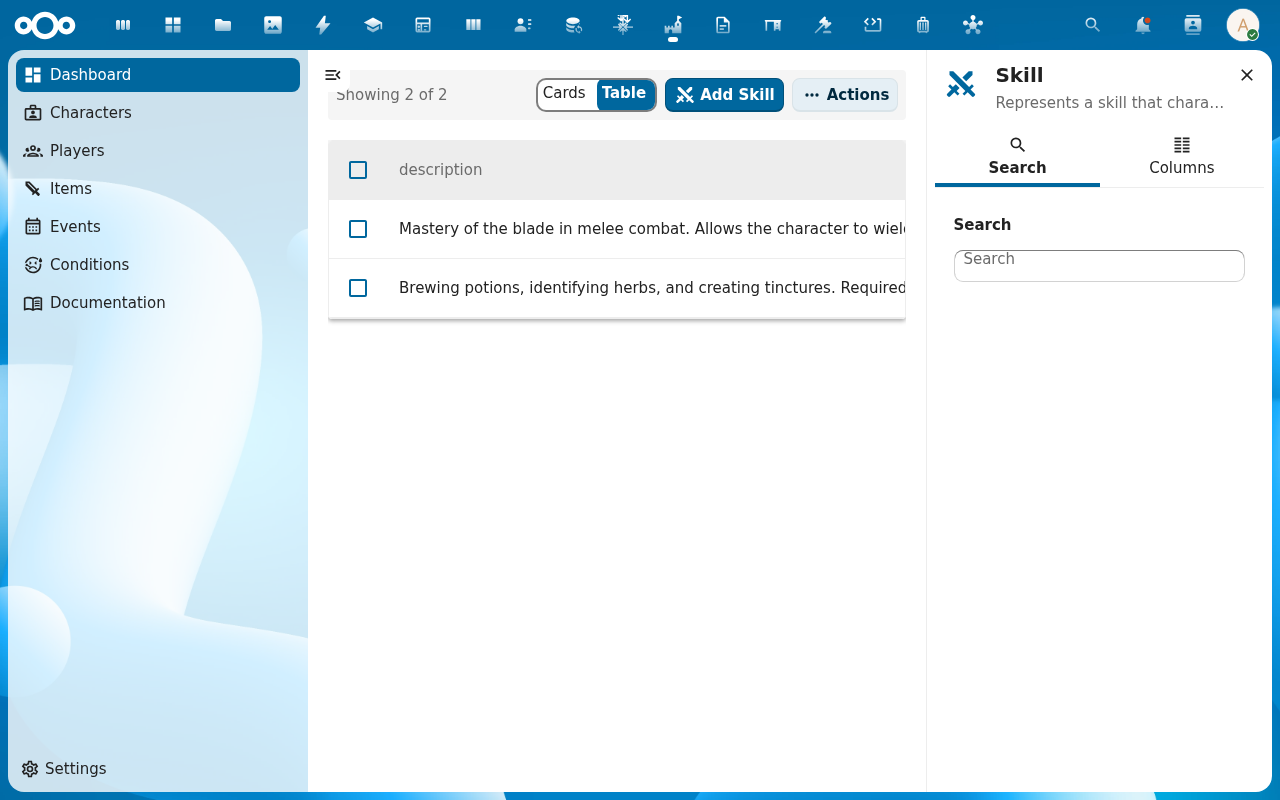
Build the Skills catalogue. Each skill carries one or more effects, an xpCost, and a prerequisite list — required other skills, required ability thresholds, required conditions. Players pay XP to attach a skill; the stat engine applies its effects when the character recalculates.
-
Build the Items and Conditions catalogues the same way. Items are equipment with effects; the unique flag locks them to a single character. Conditions are status effects (poisoned, blessed, exhausted) with the same
uniqueoption. Both reference the effects you defined in step 2.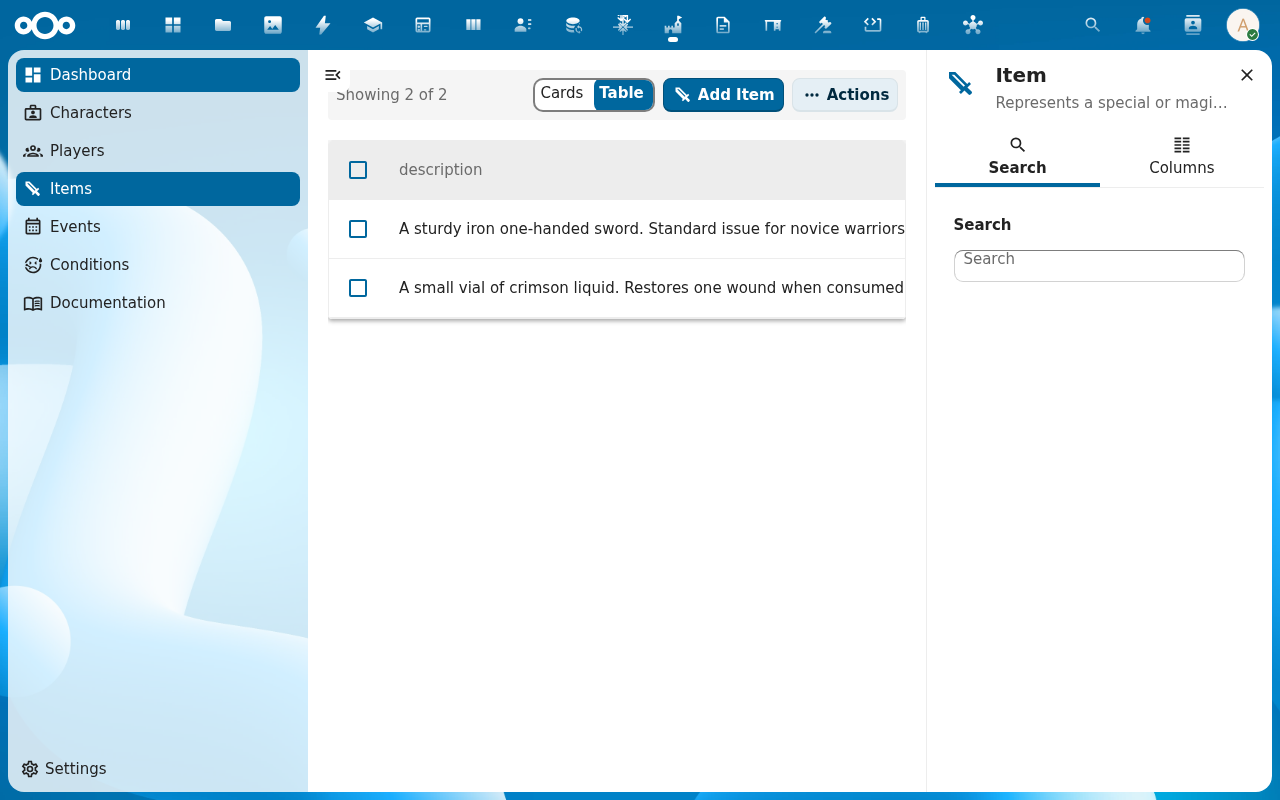
-
Open Events and create the events your LARP runs (date range, location). Attach post-event effects —
+10 XP for participation,Battle Scar condition for the losing side— that will apply to participating characters after the event closes (see Subscribe to an event).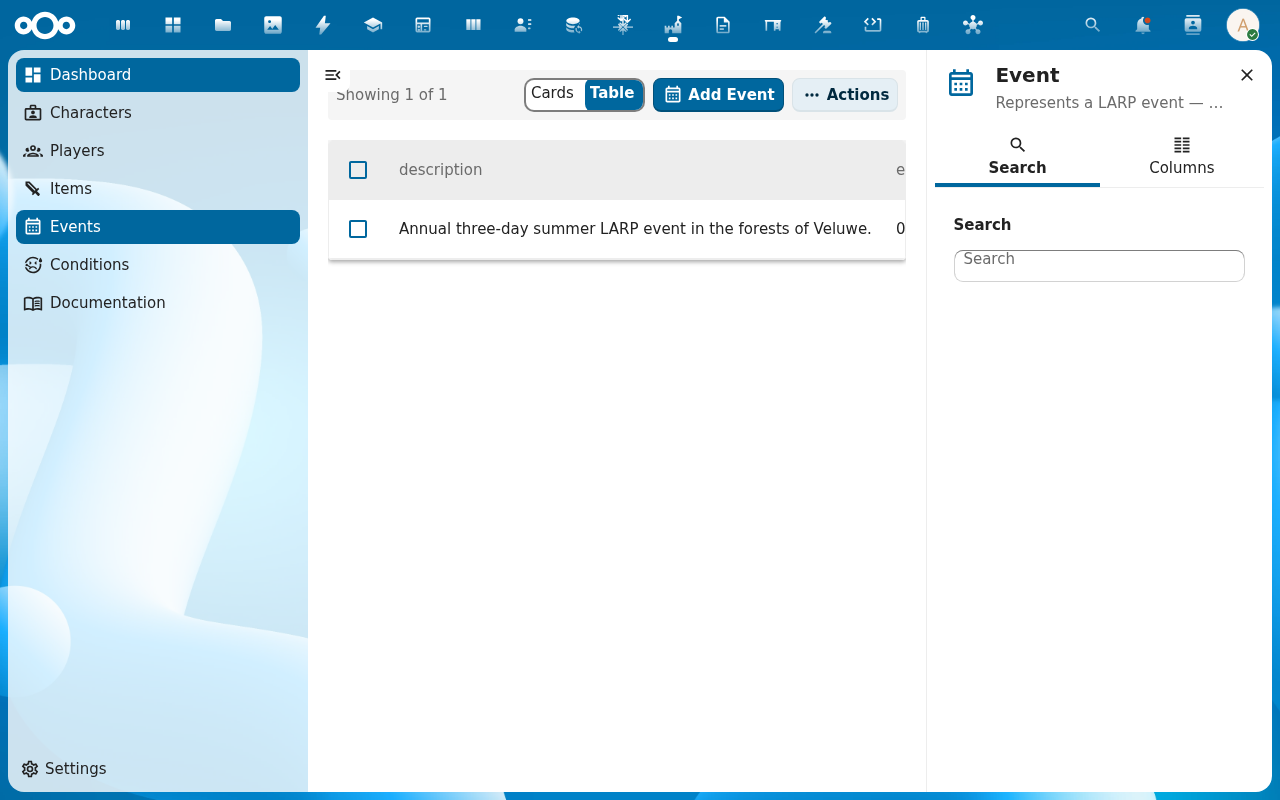
Verification
The catalogues populate: Abilities, Effects, Skills, Items, Conditions all have entries. A new test character can attach a skill, the stat engine recalculates, the ability values reflect the effect's modifier, and the audit trail names the source. The deterministic order — skills → items → conditions → events — produces the result your rule book expects.
Common issues
| Symptom | Fix |
|---|---|
| Skill saved but attaching it does nothing | The skill has no effects, or its effects target no abilities — open the skill and add an effect with at least one target ability and a non-zero modifier. |
| Ability score doesn't go negative when expected | allowed_negative is currently not enforced by the stat engine; sum of modifiers will produce whatever value it produces. Documented in the RPG-system reference. |
| Same effect counted twice on the character | Mark the effect non-cumulative so it applies only once even when reached via multiple skills/items. |
| Players can't see new entries | Browser cache — players reload the app; the catalogue reads through OpenRegister live, no further config needed server-side. |
| Screenshots may be missing | App not yet installed in the test environment; rerun npm run test:e2e:docs once it is. |
Reference
- Game mechanics reference — abilities, effects, skills, items, conditions.
- RPG system reference — the stat-calculation pipeline.
- Manage Larping settings — register / schema mapping the catalogues depend on.
- Subscribe to an event — how events feed back into character progression.