Apply conditions and effects
Conditions are status effects — Poisoned, Blessed, Exhausted — that can be applied to a character mid-game and modify their abilities for as long as they last. They use the same effect engine as skills and items, applied after them so they can override or stack.
Goal
By the end you will have a condition applied to a character, the character's stats recalculated to include the condition's effects, and you will know how to remove the condition again when it expires.
Prerequisites
- A character to apply the condition to (see Create a character).
- The condition exists in the catalogue — game masters define conditions ahead of time (see Configure the game system).
- The right to apply conditions — typically the game master during a session; some setups let players apply self-conditions (e.g. Concentrating).
Steps
-
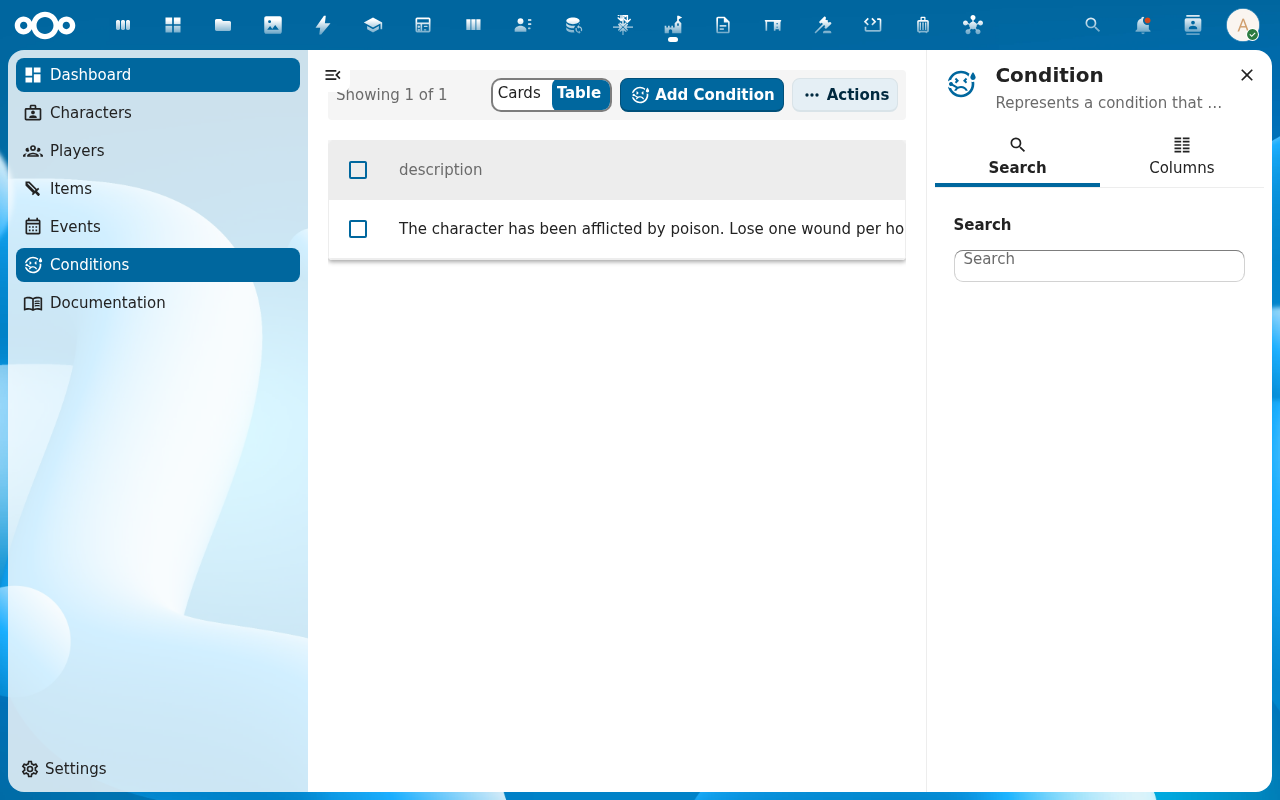
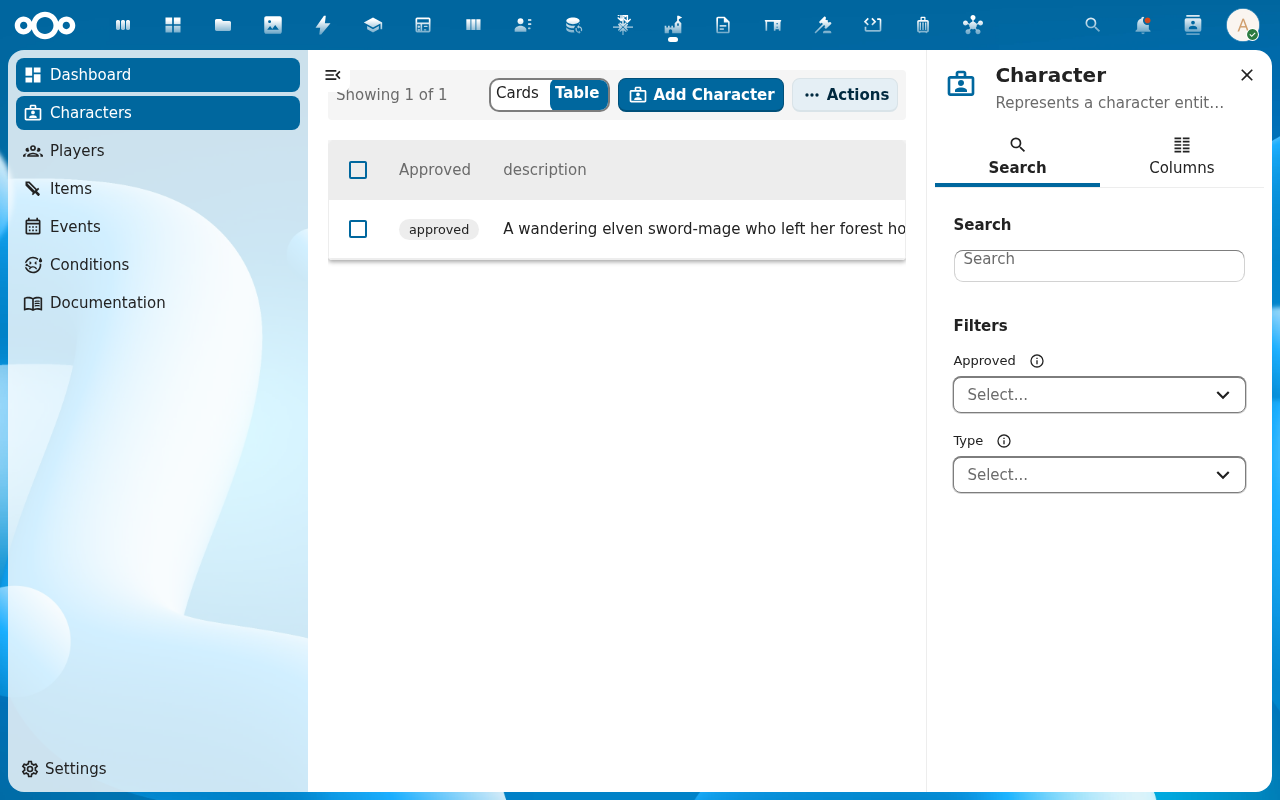
Open Conditions from the navigation. The list shows every condition the game master has defined — positive (Blessed, Inspired) and negative (Poisoned, Stunned).
-
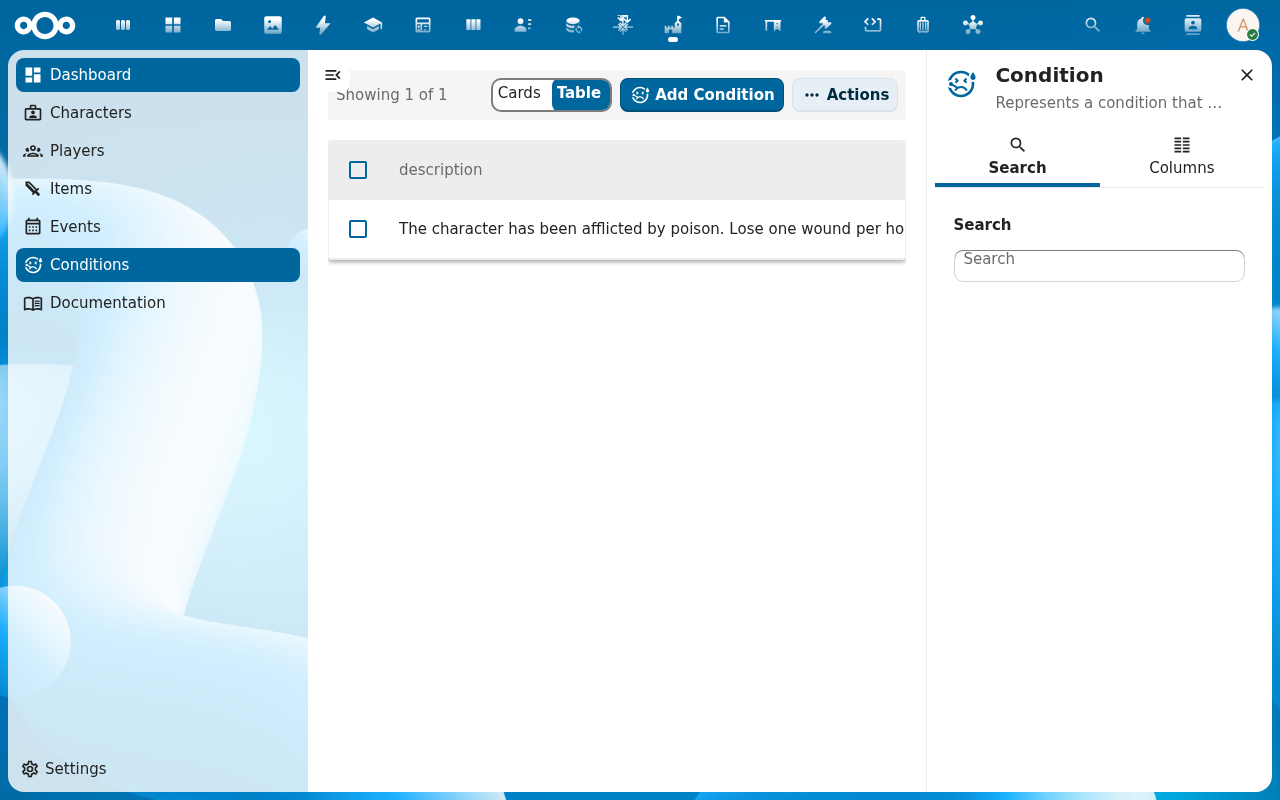
Open a condition to inspect its effects. Each effect carries the abilities it targets, the modifier, and whether it is cumulative. This is how you see, before applying, exactly what the condition will do to a character.
-
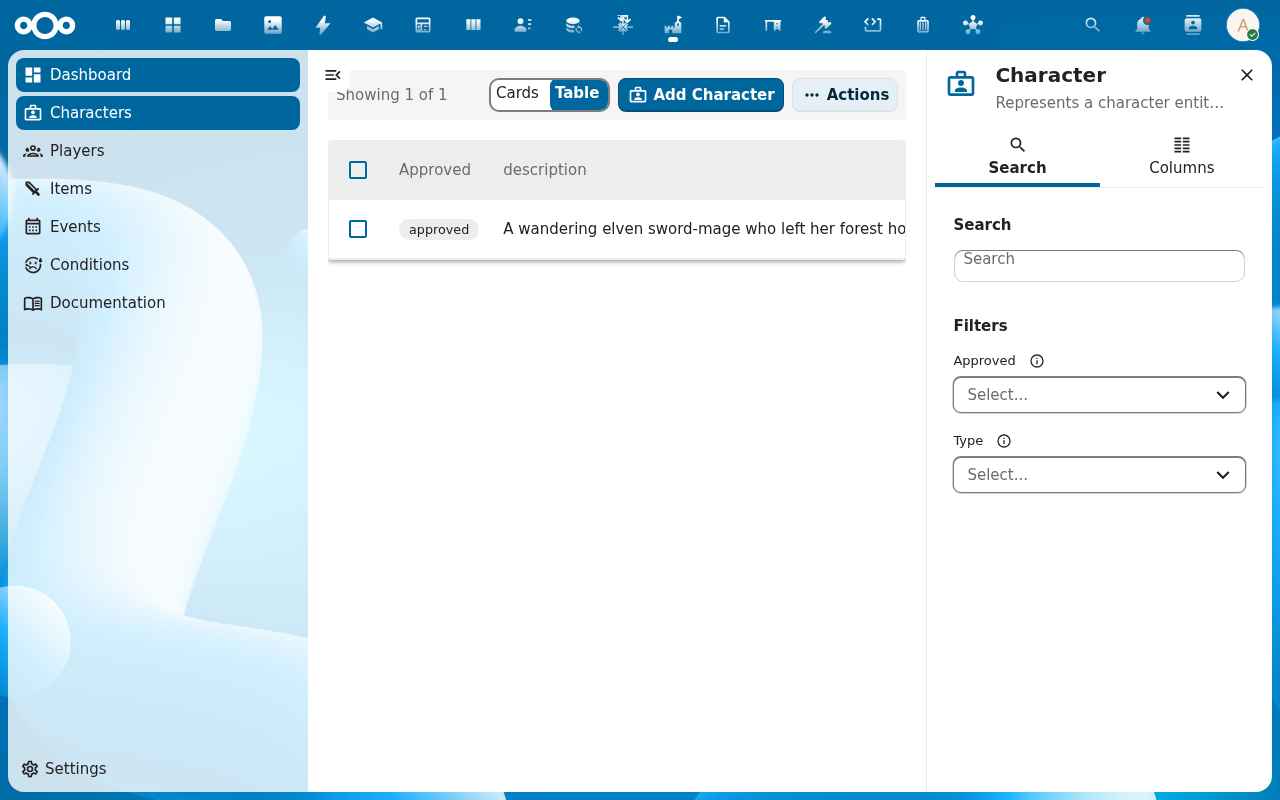
Open the character you want to apply it to. Switch to the Relations tab and find the Conditions section. Add the condition from the picker. The stat engine recalculates immediately — conditions apply after skills and items, so they layer on top.
-
Check the character's Abilities view. The audit trail names each effect and the source —
Skill: …,Item: …,Condition: …— so you can see which scores moved because of the condition you just added.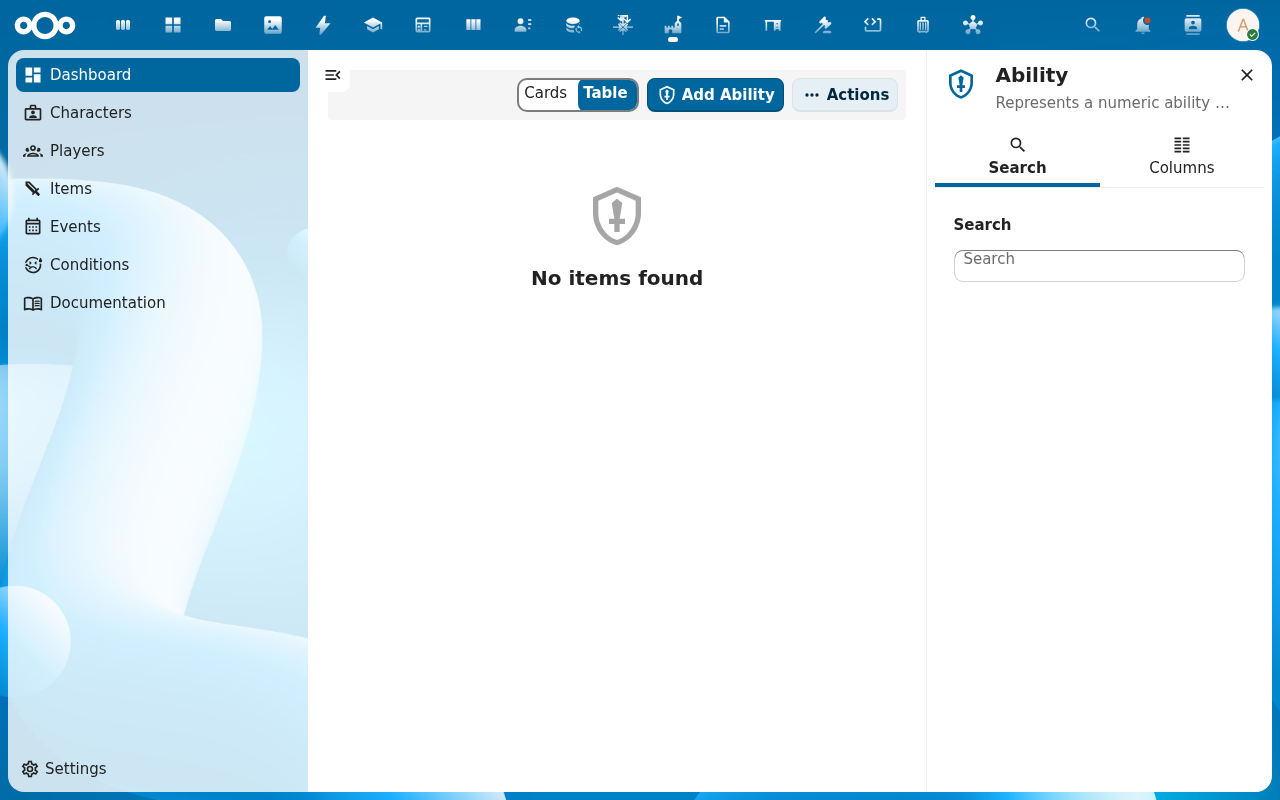
-
When the condition expires (the spell ends, the round of poison ticks down) remove it from the character's Conditions list. The stat engine recalculates without the condition's effects.
Verification
The condition appears on the character's Relations → Conditions list. The character's ability scores reflect the condition's effects (audit trail confirms). Removing the condition reverts those changes — the audit trail shows the corresponding revert entries.
Common issues
| Symptom | Fix |
|---|---|
| Condition list is empty | No conditions have been defined yet — ask the game master to add them via the Conditions screen or the game-system configuration. |
| Condition applies but stats don't move | The condition's effects don't target any abilities, or modifiers are 0 — edit the condition and check its effects. |
| Same condition stacks beyond the intended count | Mark the underlying effects as non-cumulative so they only apply once even when the same condition is added twice. |
| Unique condition won't apply to a second character | Conditions can carry a unique flag (like items); a unique condition can sit on only one character. |
| Screenshots may be missing | App not yet installed in the test environment; rerun npm run test:e2e:docs once it is. |
Reference
- Game mechanics reference — conditions, effects, the cumulative flag.
- RPG system reference — the deterministic order skills → items → conditions → events.
- Configure the game system — defining the condition catalogue.