Approve characters and manage players
Players submit characters with backgrounds; game masters review, ask for changes, and approve. Once approved, the character can participate in events and accumulate XP. The game master also maintains the Players catalogue — the real-world person behind each character — and applies post-event effects to keep the world consistent across sessions.
Goal
By the end you will have reviewed a submitted character, flipped its approved flag, ensured the player record is linked, and walked through how post-event effects apply to keep player progression in sync.
Prerequisites
- The Larping game system is configured (see Configure the game system).
- One or more players have submitted characters (see Create a character).
- Admin or game-master role on this Larping instance.
Steps
-
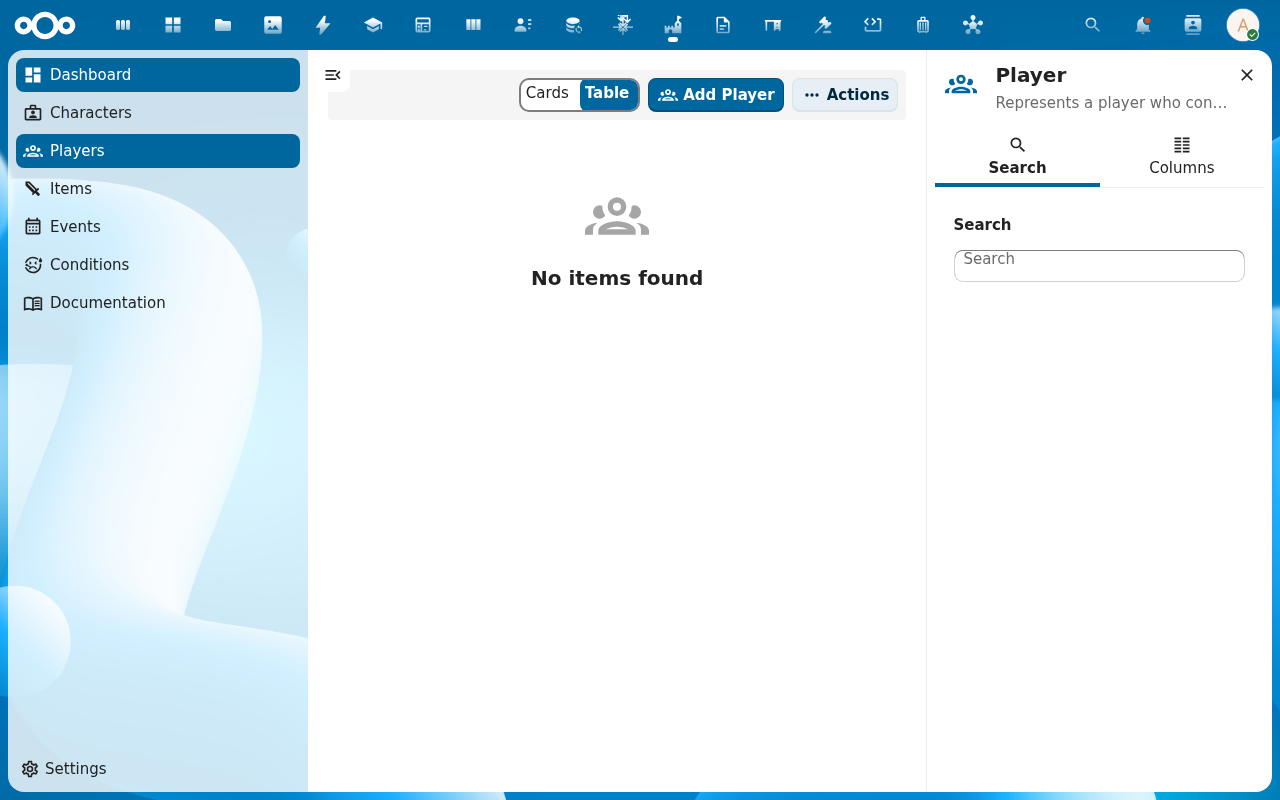
Open the Players list from the Larping navigation. Each entry is a real-world person who plays in the LARP — name, description, contact. Add players who aren't there yet via Add Item.
-
Open the Characters list and filter to characters with
approved = false. These are the submissions waiting for game-master review.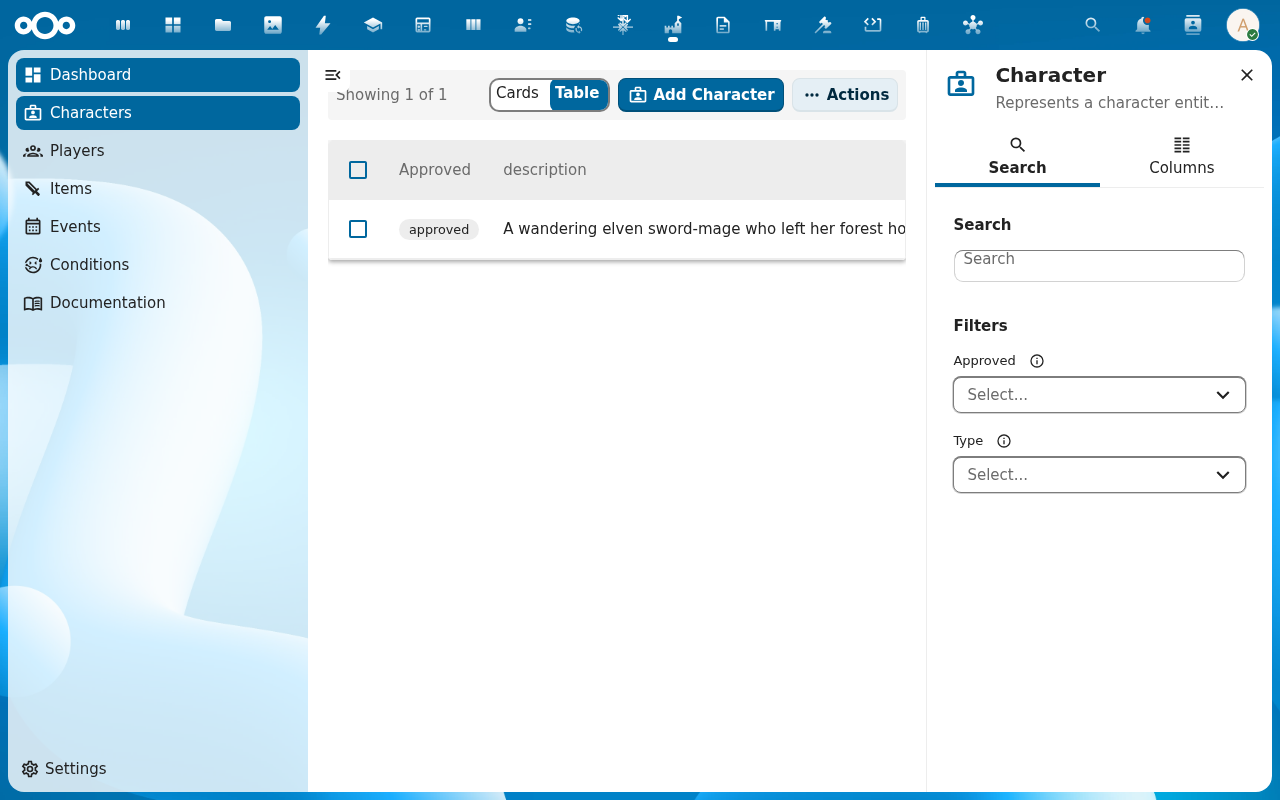
-
Open a character. Read the background field on the Properties tab. Check the Relations tab to make sure the player link (
ocNameon the character) points at the right Player record — if not, fix it now (this is how post-event effects find the right player at scoring time).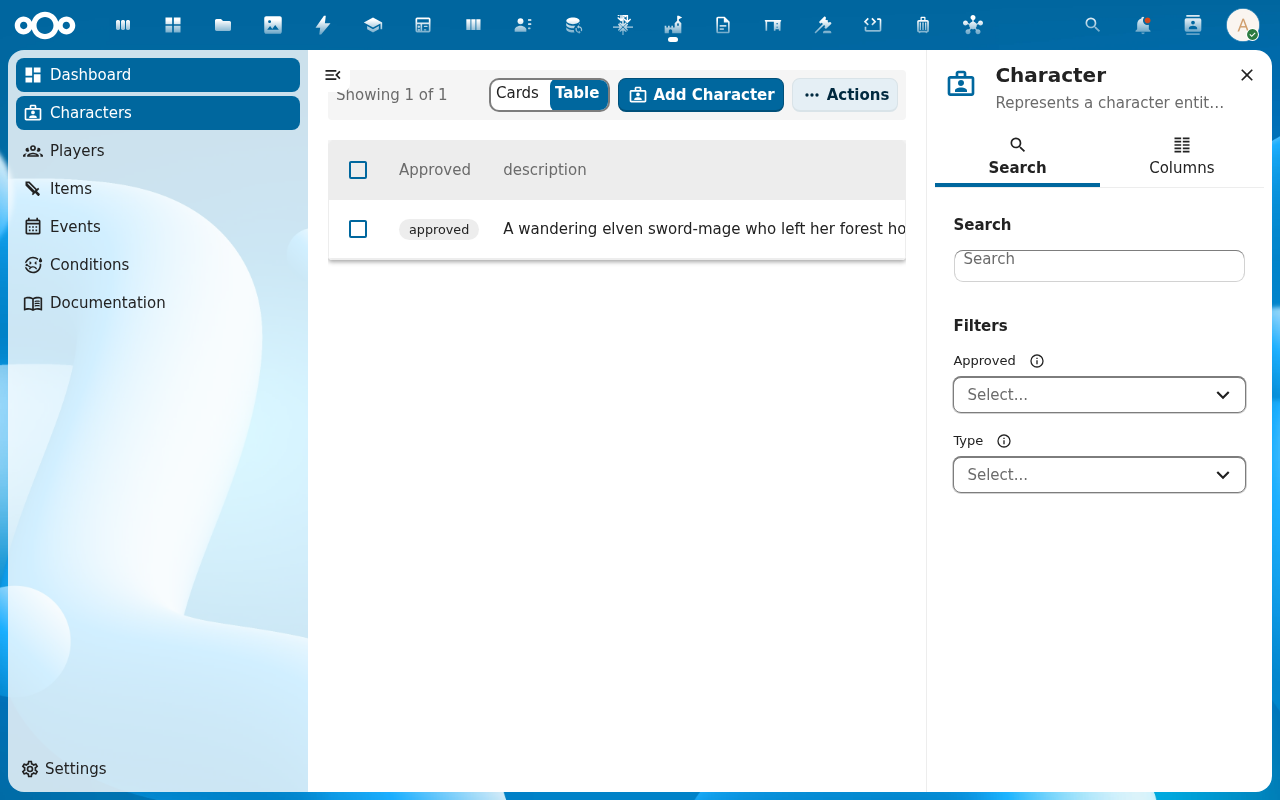
-
Flip the approved field to
trueand save. The character is now allowed to participate in events. The audit trail records the approval, who approved it, and when.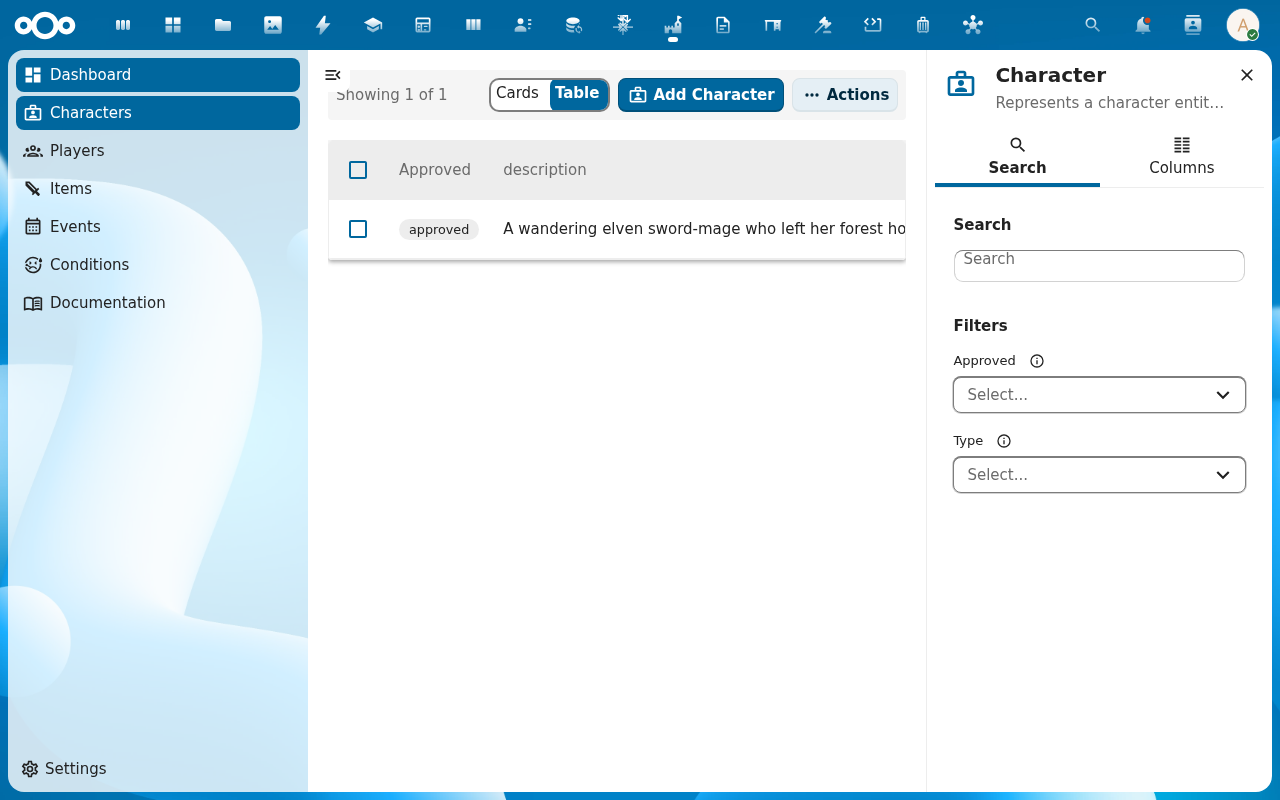
-
After an event, open the event and apply its post-event effects to participating characters. The effects flow through the stat engine on the events layer — XP awarded, items granted, conditions inflicted. Each character's audit trail picks up
Event: …entries for the changes.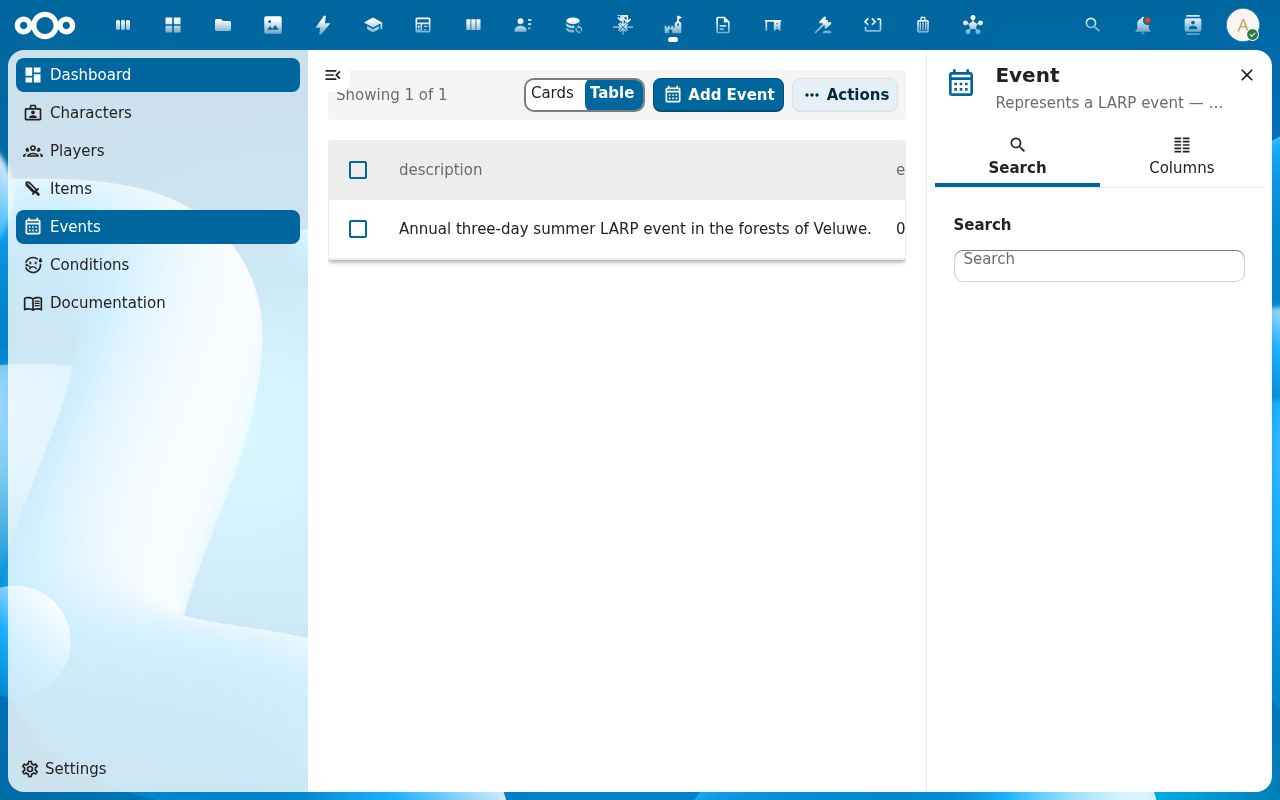
Verification
Approved characters carry approved = true and an audit-trail entry showing who flipped them. Each character has a populated player link. After post-event scoring, the participating characters' ability values reflect the awarded XP / items / conditions, and the audit trail names the event as the source.
Common issues
| Symptom | Fix |
|---|---|
| Approved characters still flagged as unapproved in lists | Browser cache or stale list — refresh; the dashboard's Recent characters widget may also need a manual refresh. |
| Post-event effects don't reach a character | The character's player link is empty or wrong, so the event-effect application can't match the character. Fix the ocName (player UUID) on the character. |
| Two characters belong to the same player | That's allowed — one Player can have many Characters. Each character carries its own approval state and stat history. |
| Approval check disappeared from character form | The approved field is part of the character schema; if it's missing the schema import is incomplete — see Manage Larping settings. |
| Screenshots may be missing | App not yet installed in the test environment; rerun npm run test:e2e:docs once it is. |
Reference
- Create a character — the player-facing side of the workflow.
- Subscribe to an event — where post-event effects come from.
- Character management reference — the
approvedfield and the player link. - Events and Players reference — the post-event effect flow.